Incident / Near-Miss Report
Capture incidents instantly and stay compliant.
Record incidents quickly with digital reporting. Track corrective actions in real time, identify trends, update crews promptly, and maintain organized, compliant safety records onsite.
12,000+ Companies Save Time and Money with GoCanvas





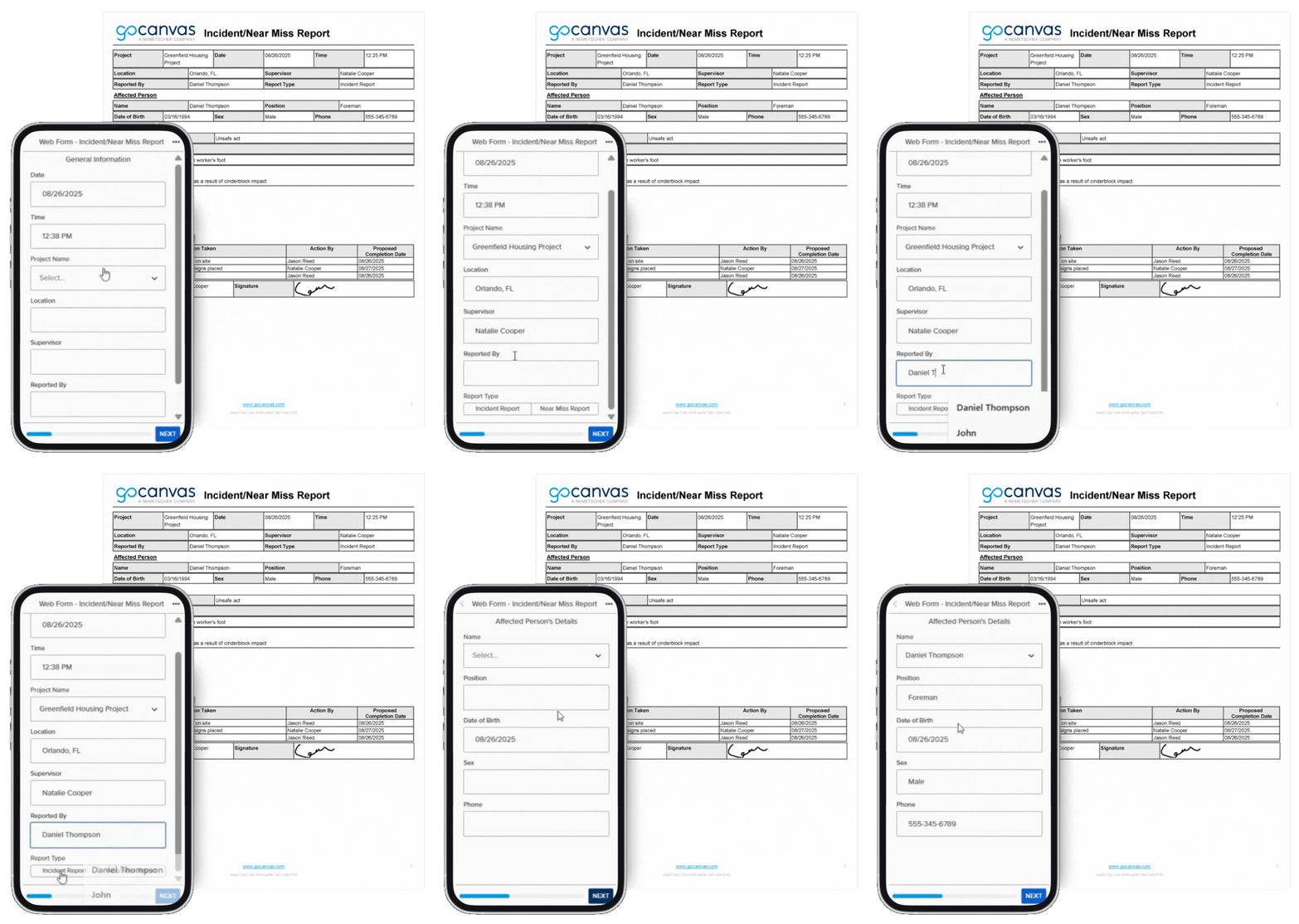
The Incident & Near-Miss Report Form by GoCanvas helps crews record safety events instantly and accurately from any jobsite. Teams can capture photos, witness statements, GPS data, and corrective actions in real time, ensuring complete documentation for every incident or near-miss. The digital form simplifies reporting, eliminates paper delays, and makes safety records searchable and shareable.
Integrated with tools like SharePoint, Google Sheets, Salesforce, and Dropbox, it keeps safety teams informed and compliant. GoCanvas provides full visibility to identify trends, prevent future incidents, and maintain OSHA compliance effortlessly. GoCanvas templates make incident tracking simple and searchable, giving safety teams visibility to prevent future occurrences and maintain full OSHA compliance.
Additional Templates
Risk Assessment
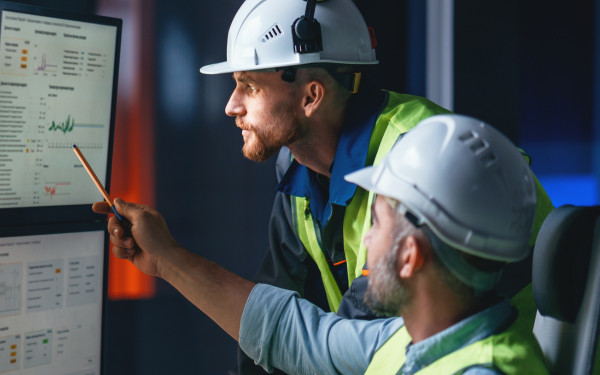
Identify potential hazards and reduce risk. Complete before work starts to protect your crew and meet safety requirements.

Jobsite Safety Inspection
Track inspections, record hazards, and verify corrective actions to maintain a safe and compliant jobsite.
Toolbox Talk / Safety Meeting Log
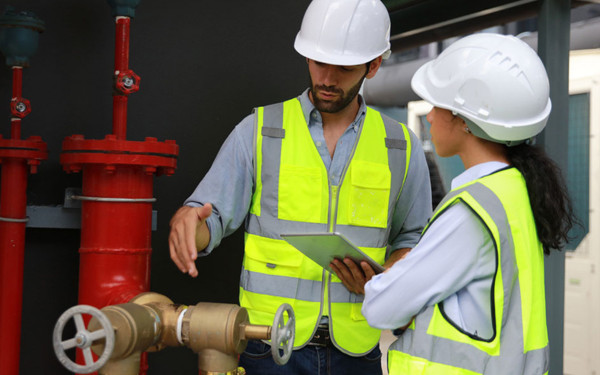
Record safety meetings or briefings. Capture attendees, discussion points, and action items in one place.
Connect with a Product Expert Today
We’ll help you put together the right solution for your needs.
Frequently asked questions
An Incident and Near-Miss Report is a digital form used to record accidents, hazards, or close calls in the workplace. With GoCanvas, teams can document every detail instantly, including photos, witness information, and corrective actions. This helps companies improve safety, reduce risks, and maintain full OSHA compliance.
GoCanvas improves incident reporting by allowing users to capture and submit reports directly from the jobsite using mobile devices. Teams can attach images, add signatures, and log GPS data in seconds. This eliminates paperwork delays and ensures safety leaders get accurate, real-time information for faster response and prevention.
Yes, the GoCanvas Incident Report Template helps organizations stay OSHA compliant by ensuring all safety events are properly documented and stored. The form captures essential details like time, location, and corrective actions, making it easy to meet reporting requirements and demonstrate a proactive approach to workplace safety.
Safety managers, supervisors, and field teams should use the GoCanvas Incident and Near-Miss Report. It helps them report hazards or incidents quickly, review trends, and take corrective action before accidents happen. It’s especially useful for construction, manufacturing, and industrial workplaces where real-time reporting is essential.
The GoCanvas Incident and Near-Miss Report is effective because it includes photo and signature capture, GPS tagging, and cloud storage. These features make it easy to collect evidence, verify locations, and securely share reports. The template helps teams create accurate, professional records that support compliance and continuous safety improvement.